
If you're sharing a device with multiple people or if you have multiple Google accounts you'd like to use on a single device, you can follow these steps:
Chrome Browser on a Mac or PC
- Open Chrome
- Click the profile icon on the top right (either an image or a letter)
- Click "Add"
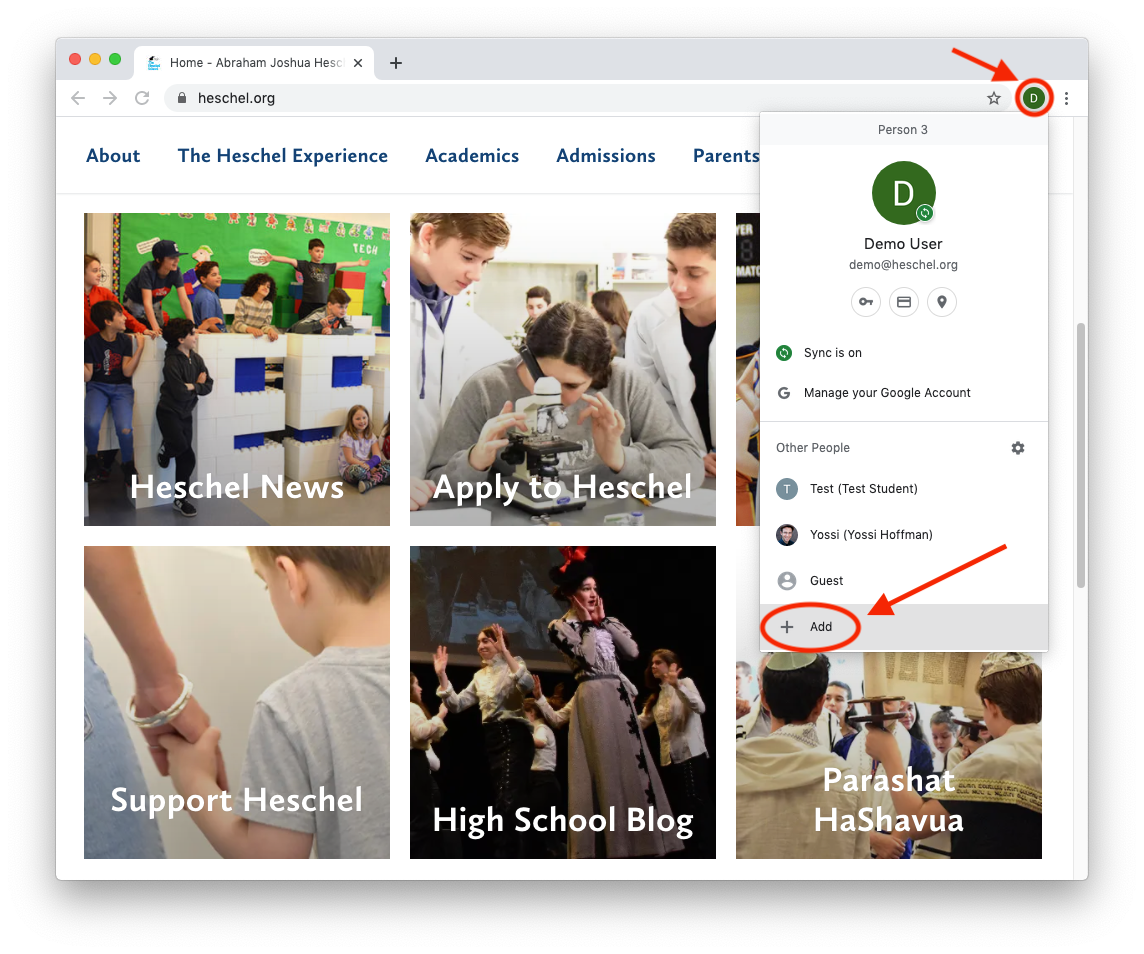
- Follow the steps to add another user (Note: If it comes up, click on "Link Data" if you're adding an account that already exists and you want it to continue where you left off)
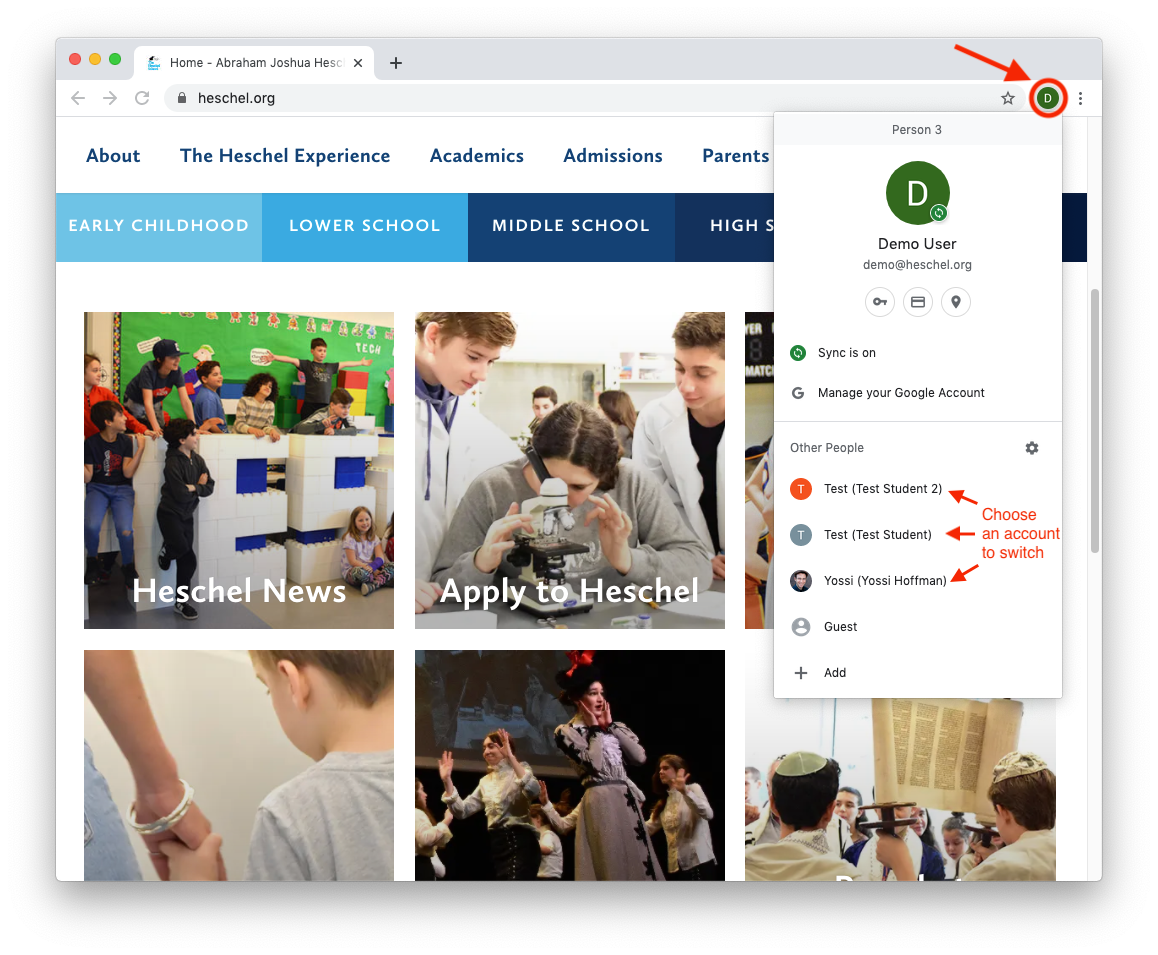
Once you've added additional users, you can switch between them by clicking on the profile icon on the top right:
Chromebook
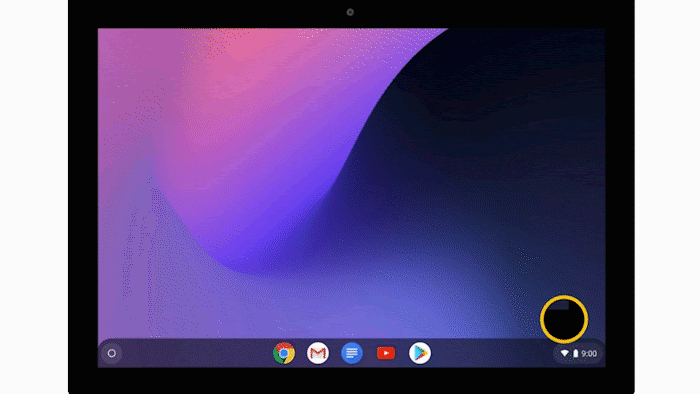
Follow the steps outlined in this tutorial (adapted from here):
iOS (iPad/iPhone)
Follow these steps (adapted from here):
- Open the Google Docs, Sheets, or Slides app.
- In the top left, tap Menu
 .
- Tap your email address.
- Choose the account you want to use.
Additional Options
If you're having trouble with the options above, you can use Private Browsing:
- Incognito Mode in Chrome
- Private Browsing in Firefox
- Private Browsing in Safari: Mac | iPad | iPhone
- Private Browsing in Microsoft Edge
Was this answer helpful?YesNo