In classrooms that have a Chromebox in it, to switch between Mirror and Extended display use Ctrl+f4 key.
You can also manually toggle between Mirror and Extended by the task bar by the clock and selecting the settings icon.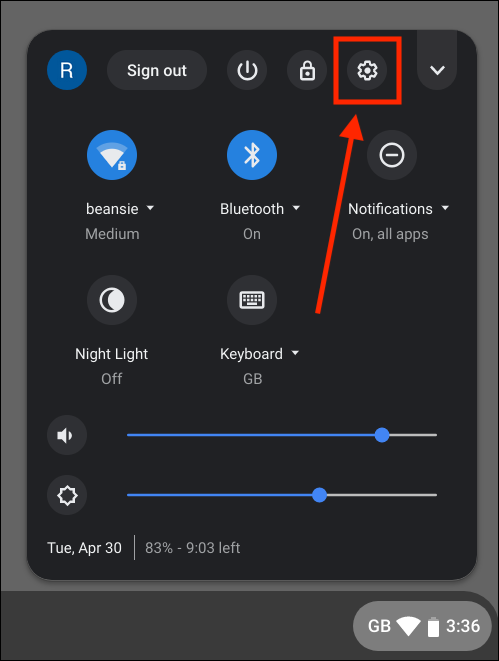
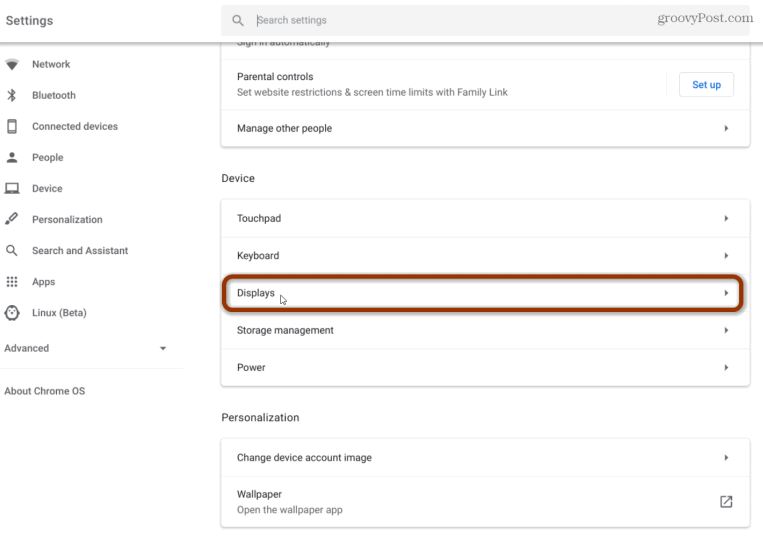
Type the word Display or scroll to Device and select Displays
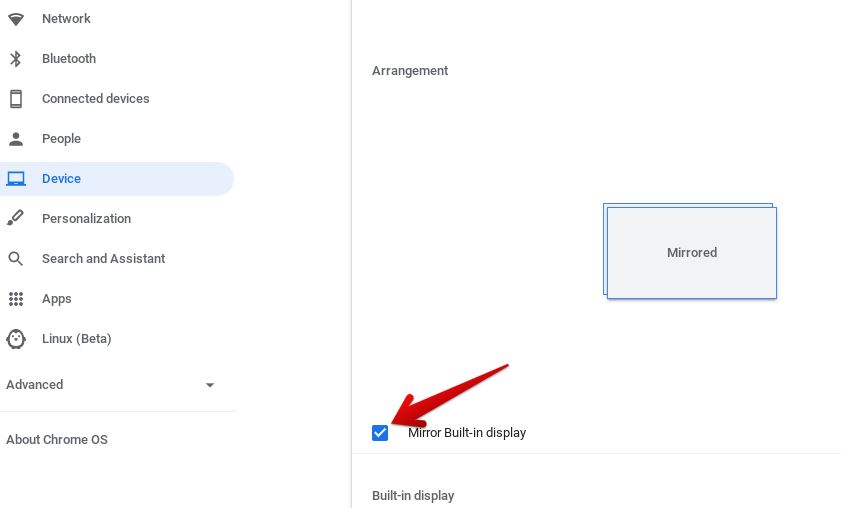
Select Mirror Built-in display